Creating Orthogonal Cross Sections
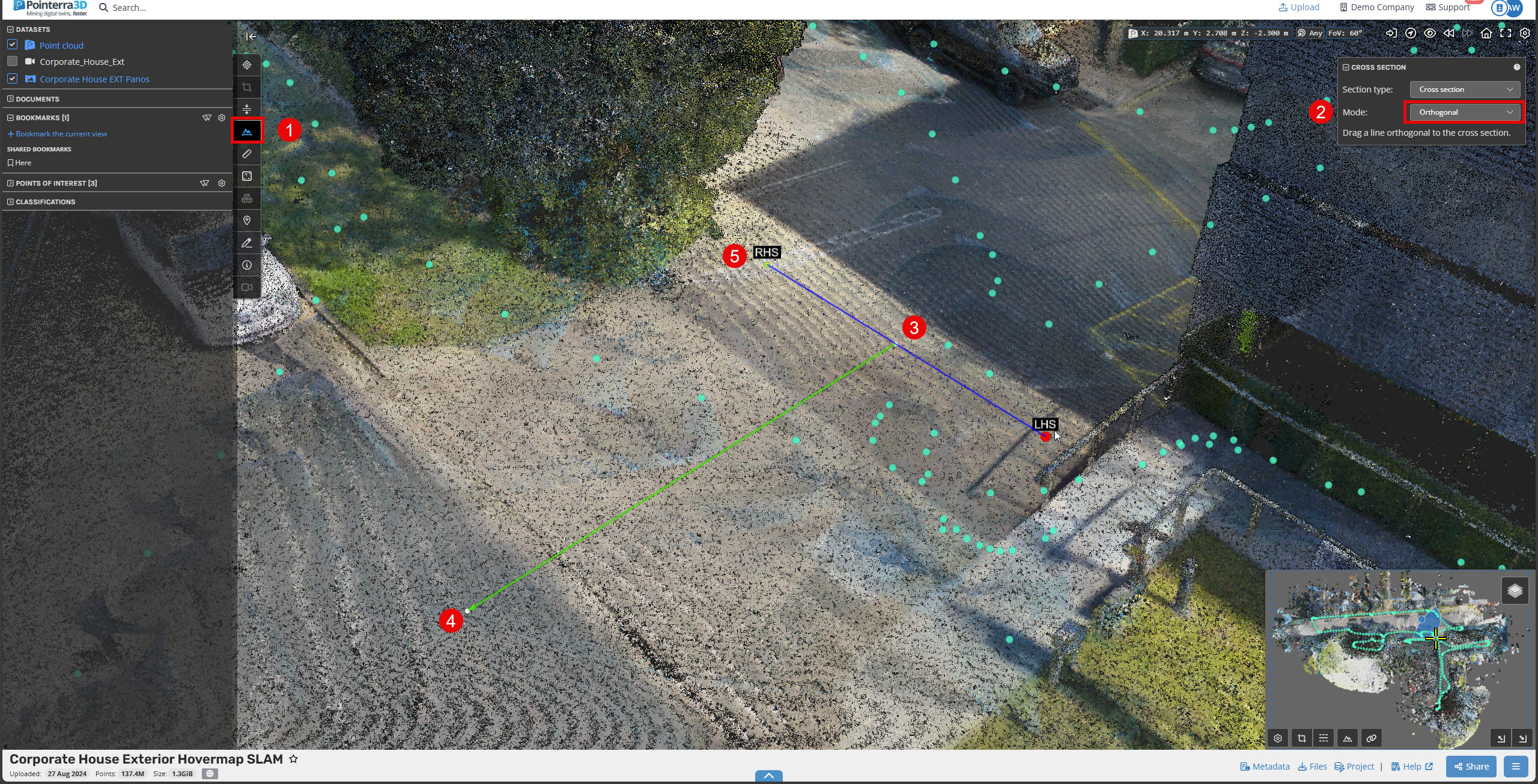
When using the Cross Sections Tool, it can sometimes be challenging to define a perfectly straight cross section—especially for features like roads or railways. To improve accuracy, you can first define a centerline to help align your cross section before selecting your area.
First select the cross-section tool.
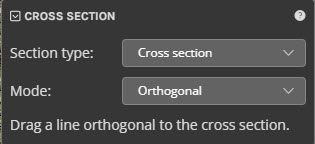
Change the cross-section mode to Orthogonal.
Set the start point to where you want the cross section to be.
Set the end point along the centreline.
Set the cross section length.
Then the cross section width.