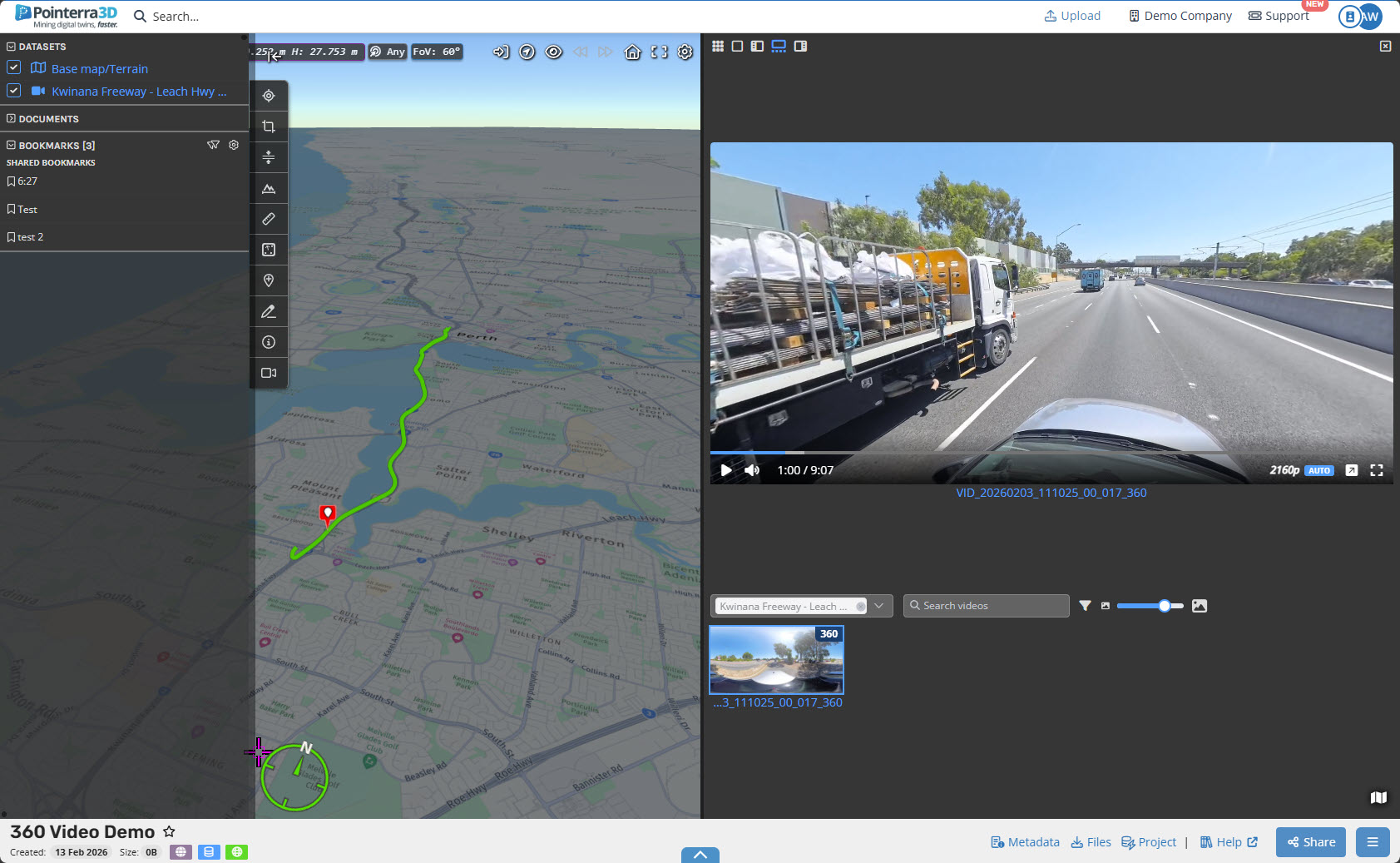
Uploading Videos and 360 Videos to Pointerra
Video Support
Pointerra supports the following video file formats:
MPEG-4 (.mp4)
Audio Video Interleave (.avi)
WebM (.webm)
QuickTime File Format (.mov)
Matroska (.mkv)
MPEG-1/MPEG-2 (.mpg)
360 Video Support
Pointerra supports the following 360 video file formats:
-
MPEG-4 (.mp4)
You can convert proprietary GoPro .360 and Insta36 .INSV files to .MP4 by using their respective GoPro Player and Insta360 Studio software.
Trajectory Support
There is also supported GPS Exchange Format (.GPX) or a DJI SRT (.srt) track files which will play and follow from a specific location.
Note: the trajectory files require timestamps to be the same as the video.
Upload and Viewing
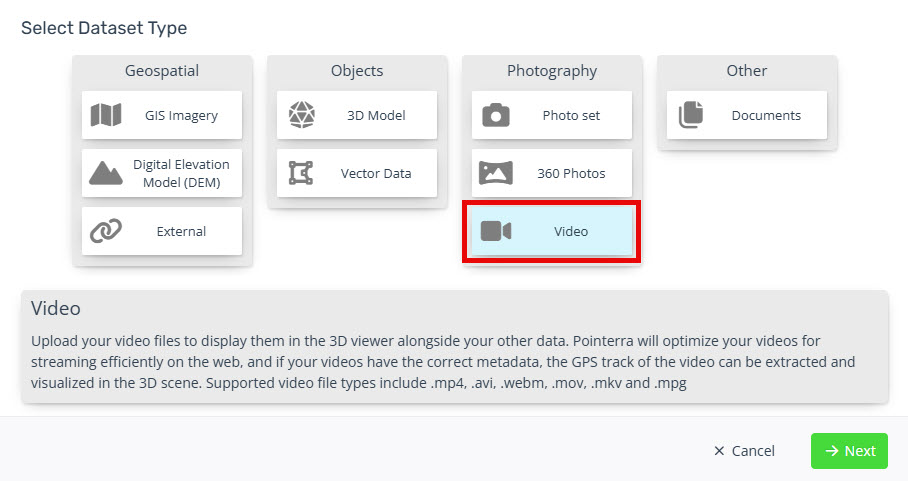
Select the Video Dataset option in the Select Dataset Type window.
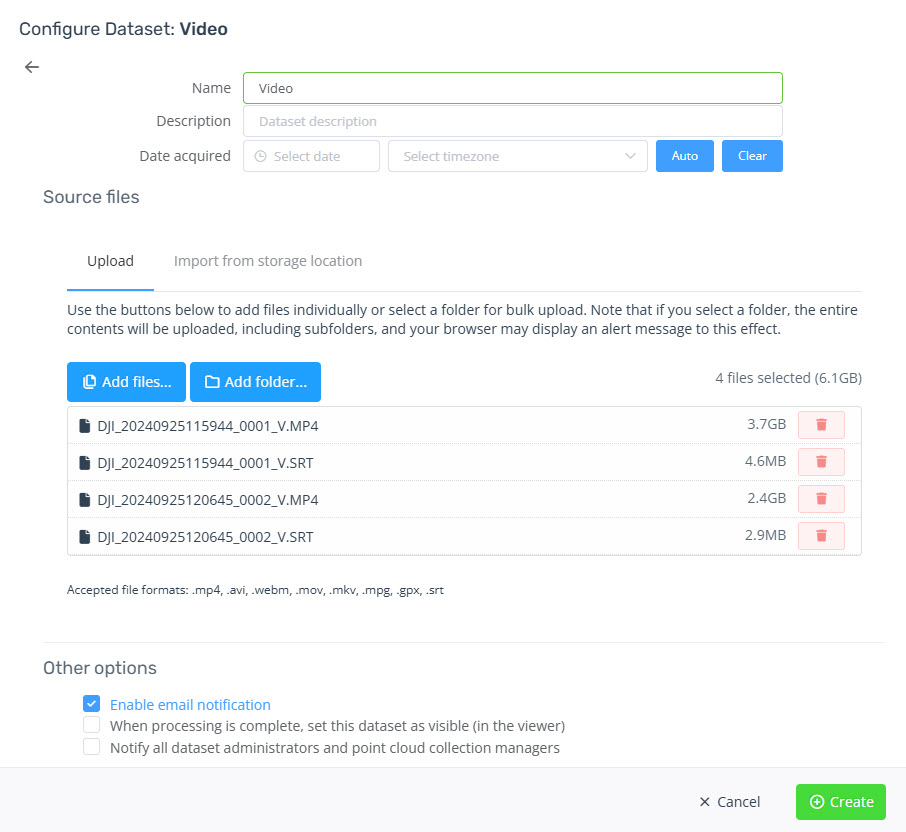
Provide the Name and add your video files.
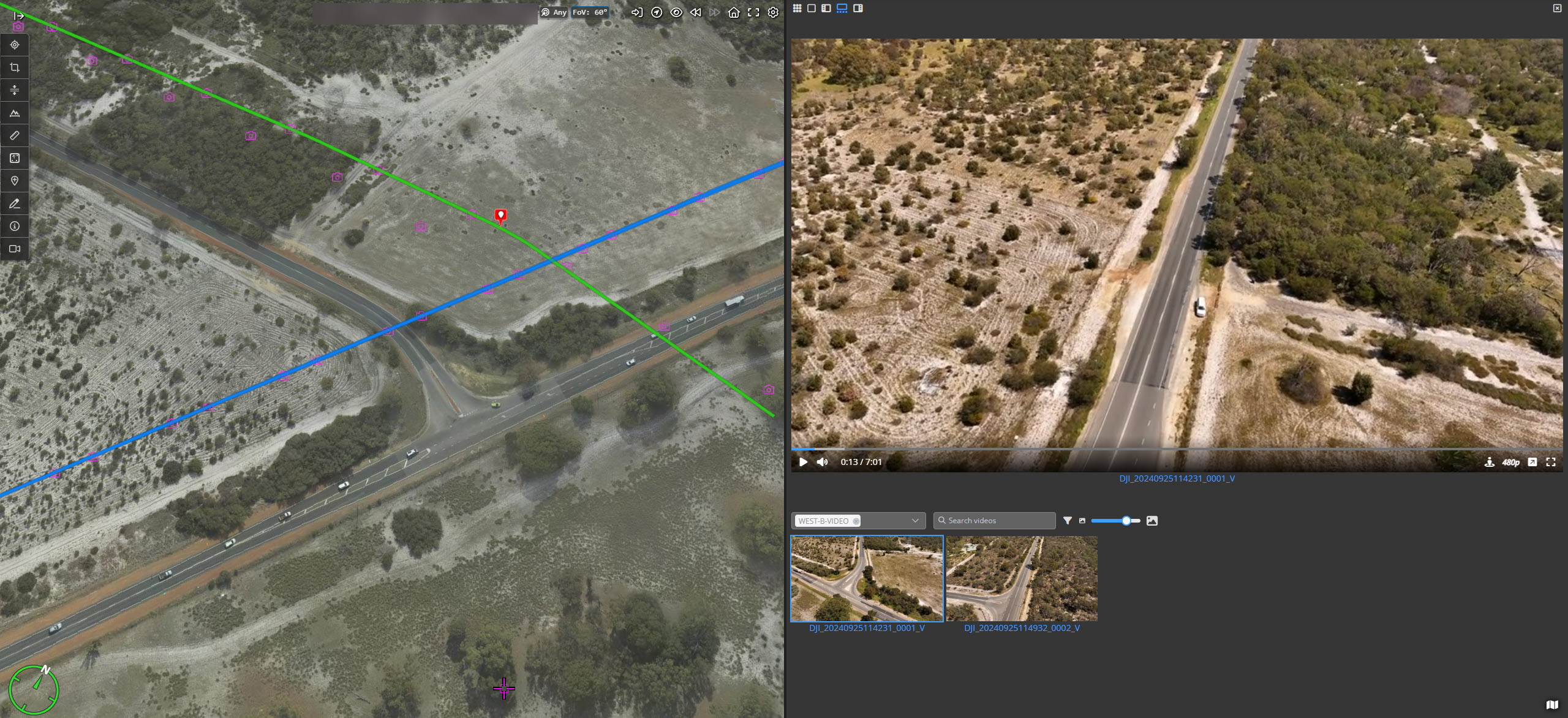
Note the GPX/SRT files need to be the same as the video files for the videos to be synced to the trajectory.Once processed you will now be able to view the videos and if you have a trajectory, you can click on any part and it will start playing from that location.
360 Video Display