
How do I resume a failed upload?
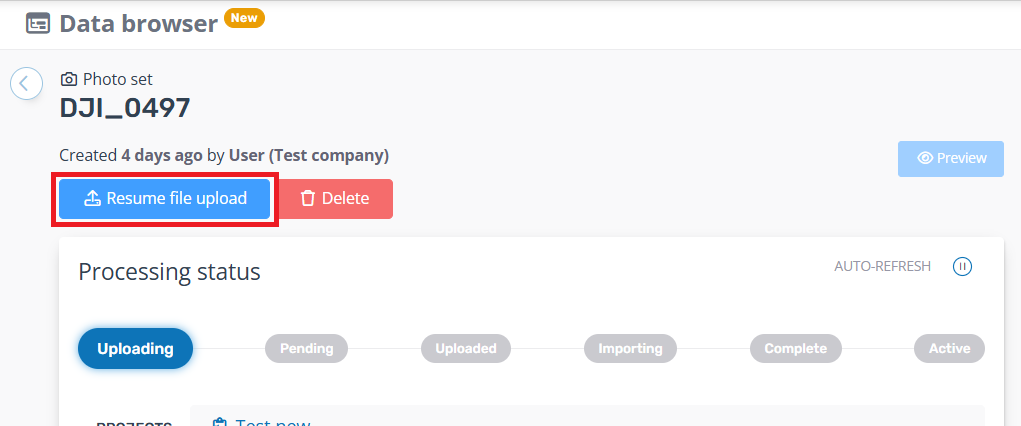
Your dataset upload can be interrupted if your internet drops out or you close your browser prematurely. If this happens your dataset will be left in the Uploading status, and you can resume the upload using the Resume file upload button from the dataset's detail page in the Data Browser.
You will need to reselect the same files as the original upload, but can skip any that have already been uploaded.
Note: The option to resume an upload is not available if you uploaded files via the API or from an external cloud storage location.