How can I archive/vault multiple projects?
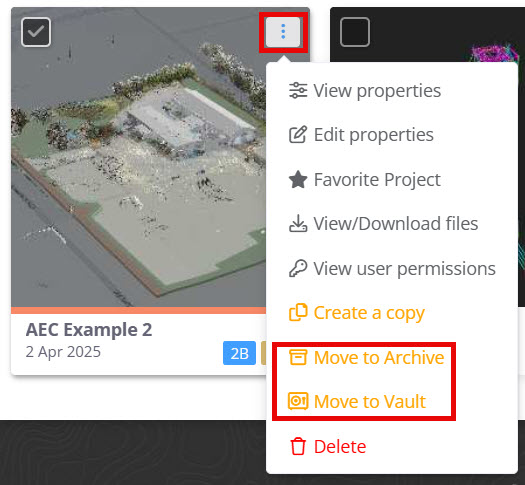
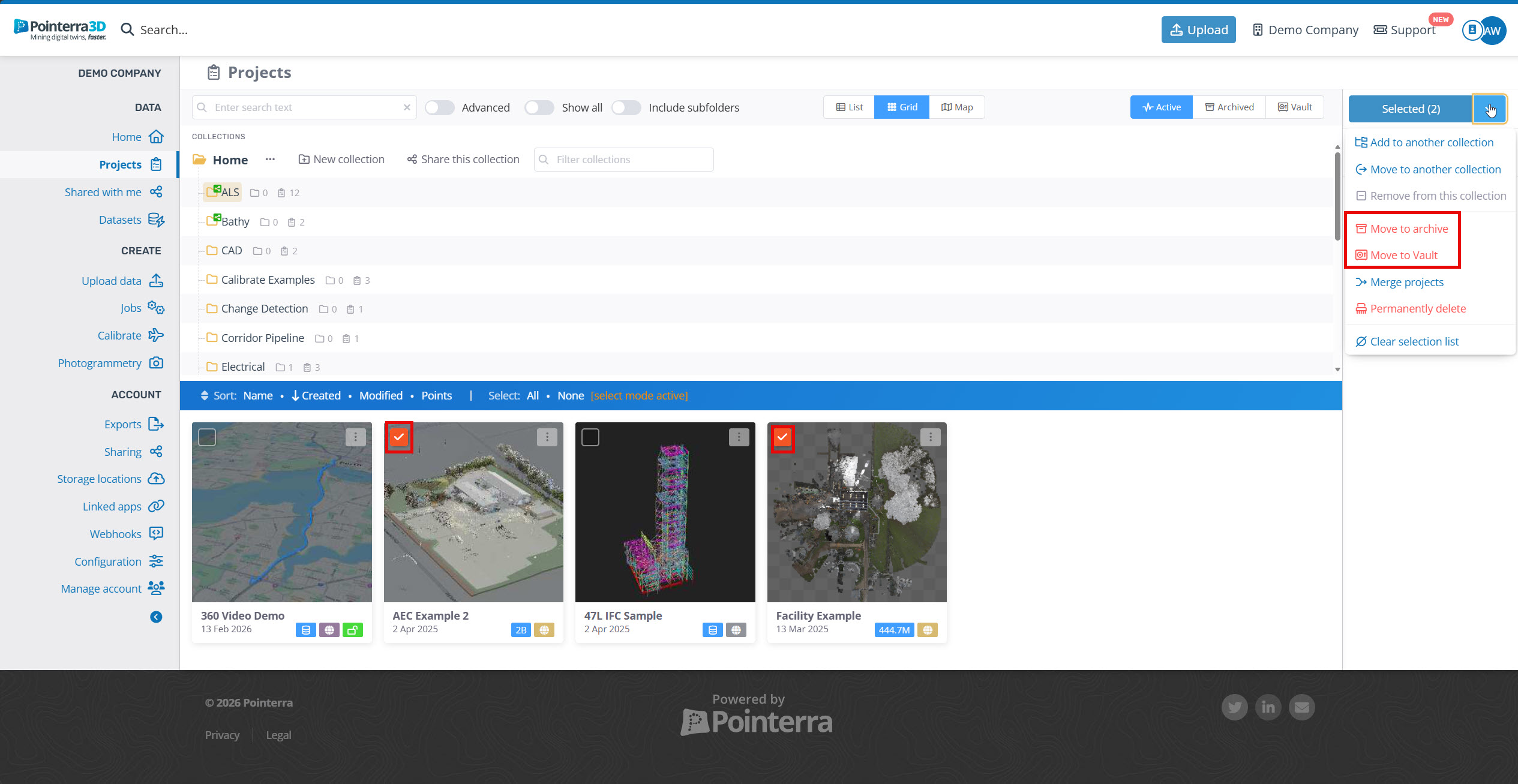
To archive a project or multiple projects, navigate to the project browser window us either click the actions button for a single archive or tick each project to select the projects you wish to archive/vault.
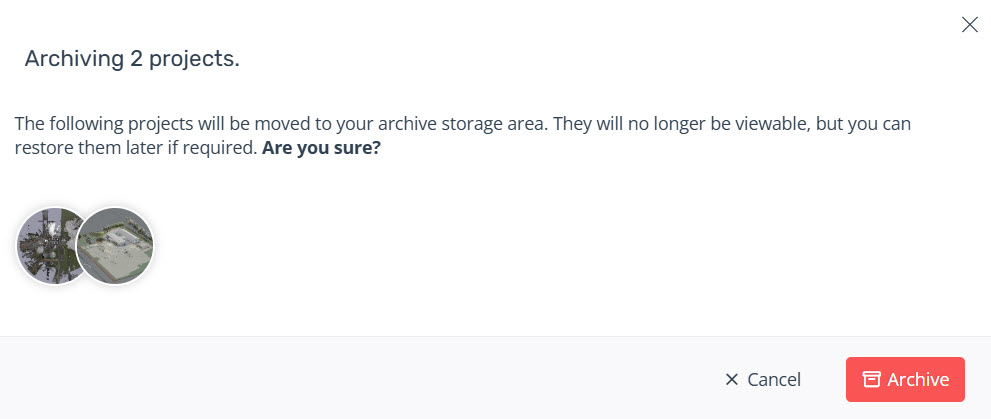
A confirmation window will appear.
Notes:
If you select a combination of standard point cloud projects and dataset only projects, these projects will only be moved to the archive. Selecting only point cloud projects will grant both archiving and vault options, if the vault option is enabled for your account.
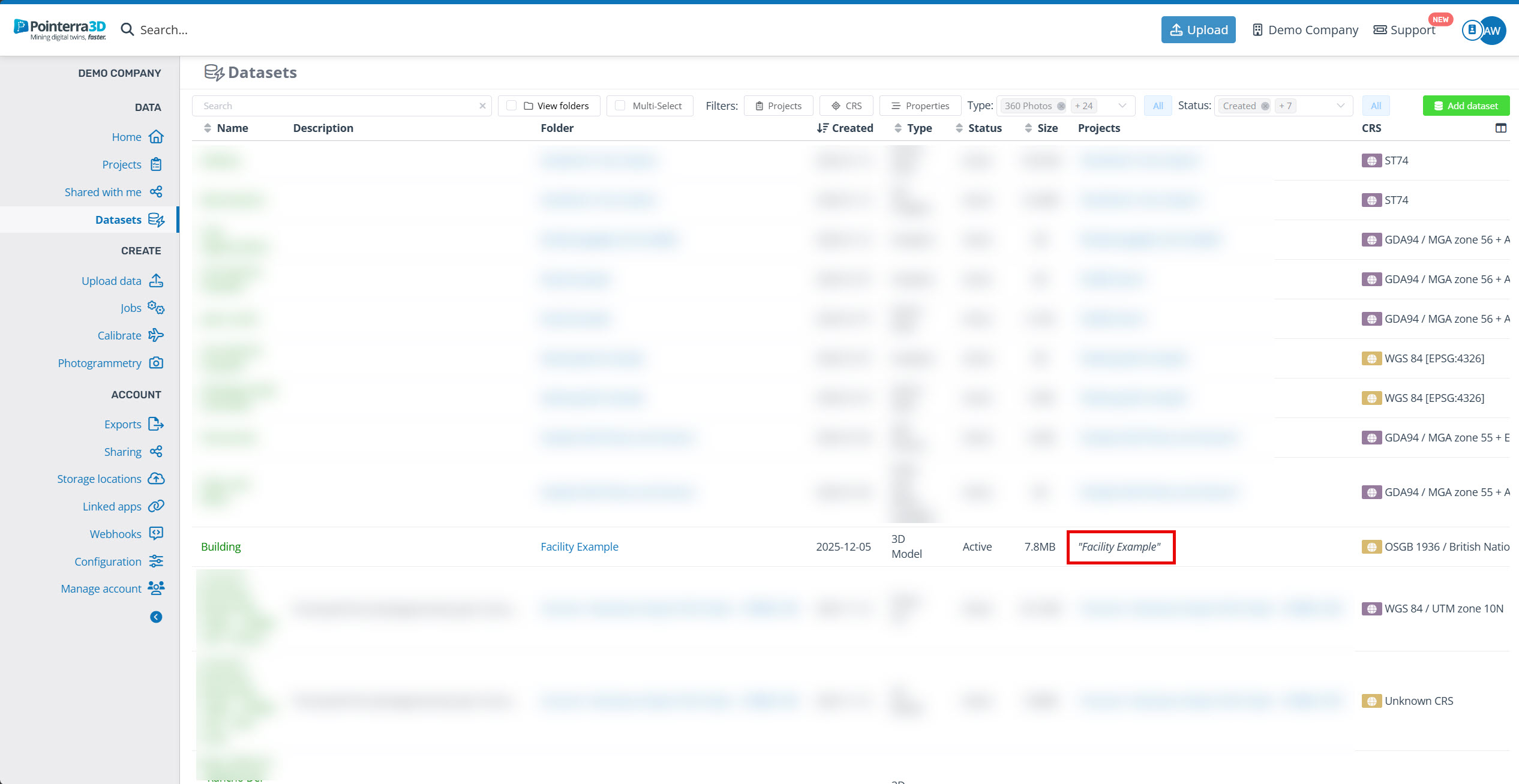
Datasets associated with the archive/vault will not moved into these sections, but they will still be attached. Datasets attached to archived projects will be displayed in italics.