Troubleshooting viewer connection issues
If you are having issues connecting to the Pointerra viewer, it may be due to number of issues. These can include the following:
Browser Related
Check if you have the latest version.
Restarting the browser and/or your computer.
-
Clearing your cache/cookies. See the below help articles from the specific browser on where to delete specific cookies. Once there search for pointerra.com and delete it. Refresh the page and try logging in again.
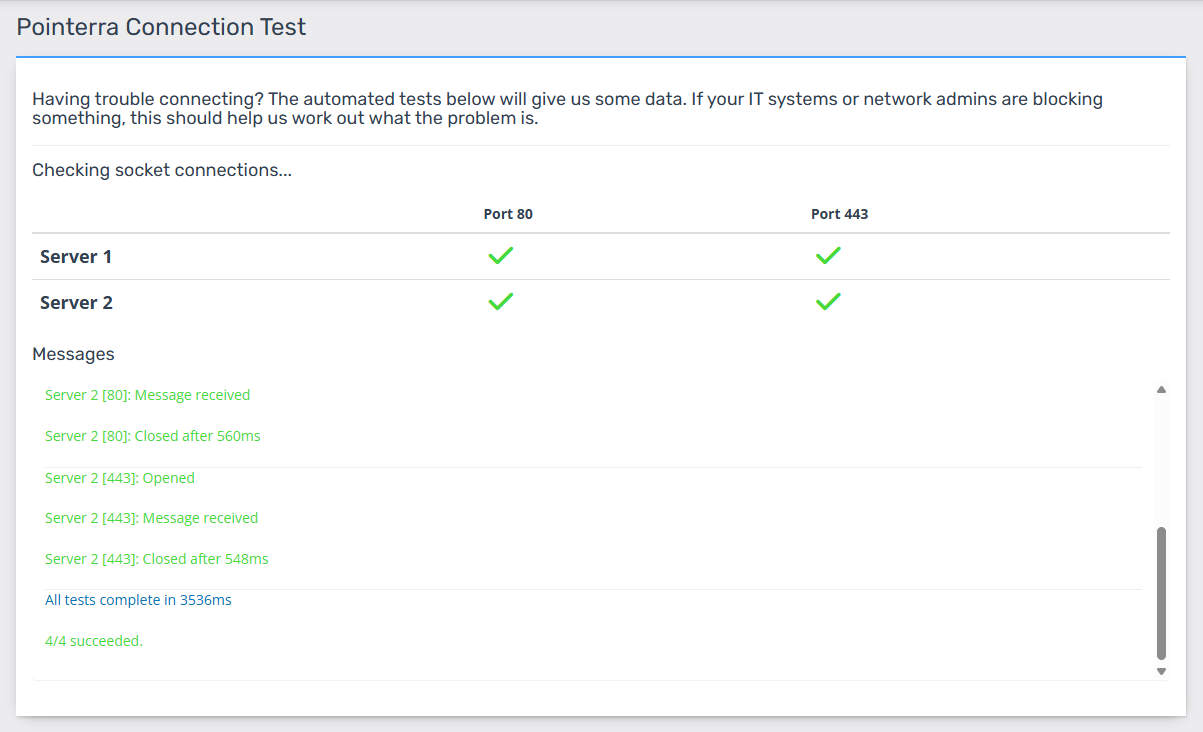
Socket Ports Blocked by IT Security
Your company's IT security settings may have blocked specific ports which is required for accessing the data on Pointerra. To help us determine if this is the case, please use the Pointerra Connection Test Page and send us a screenshot of what you see. If everything is working fine, you should see all green lights for the connection status as shown below: