
Dataset Advanced Search
This page lists all the filters available for datasets in the Data Browser.
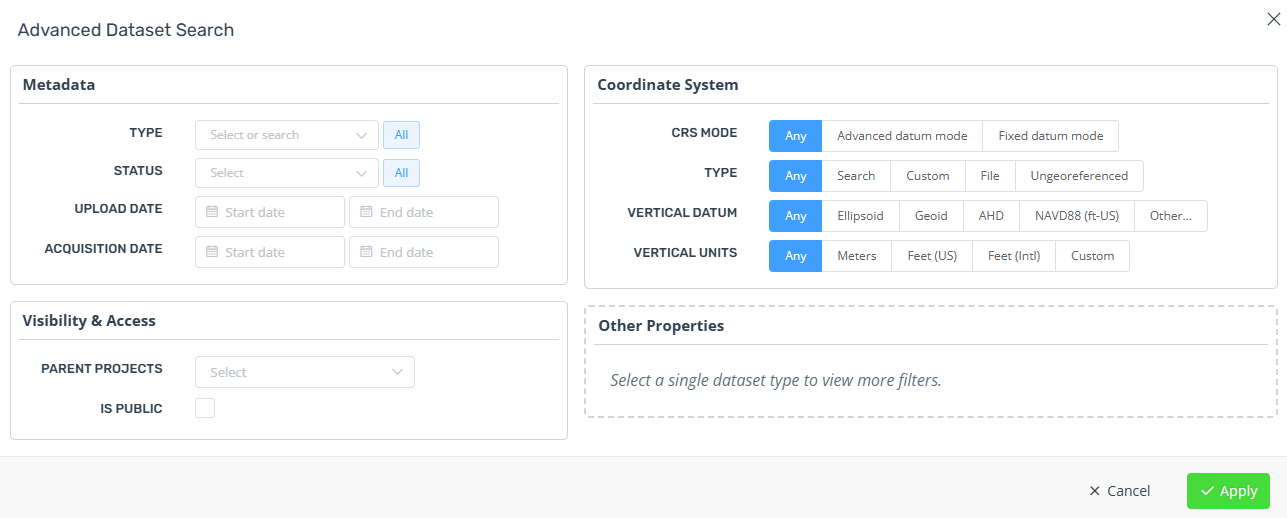
Metadata
Type - Filter by dataset type. You can select multiple at once and this also includes analytics.
Status - Filter by dataset processing status
Upload date - Filter by datasets uploaded within a date range. You can also leave the start or end date blank
Acquisition date - Similar to upload date.
Visibility & Access
Parent projects - Filter by datasets that have one, none or more than one project. Useful for finding datasets that are no longer used.
Collections - Find datasets in only one or more than one collection.
Is public - Find public datasets.
Coordinate System
Use these filters to find datasets that match a specific coordinate system.
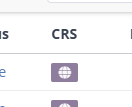
Click the CRS icon of a dataset to set this filter automatically.
Other Properties
Nothing is shown here initially. Select a single dataset type from the Metadata > Type filter to see additional options specific to that type.
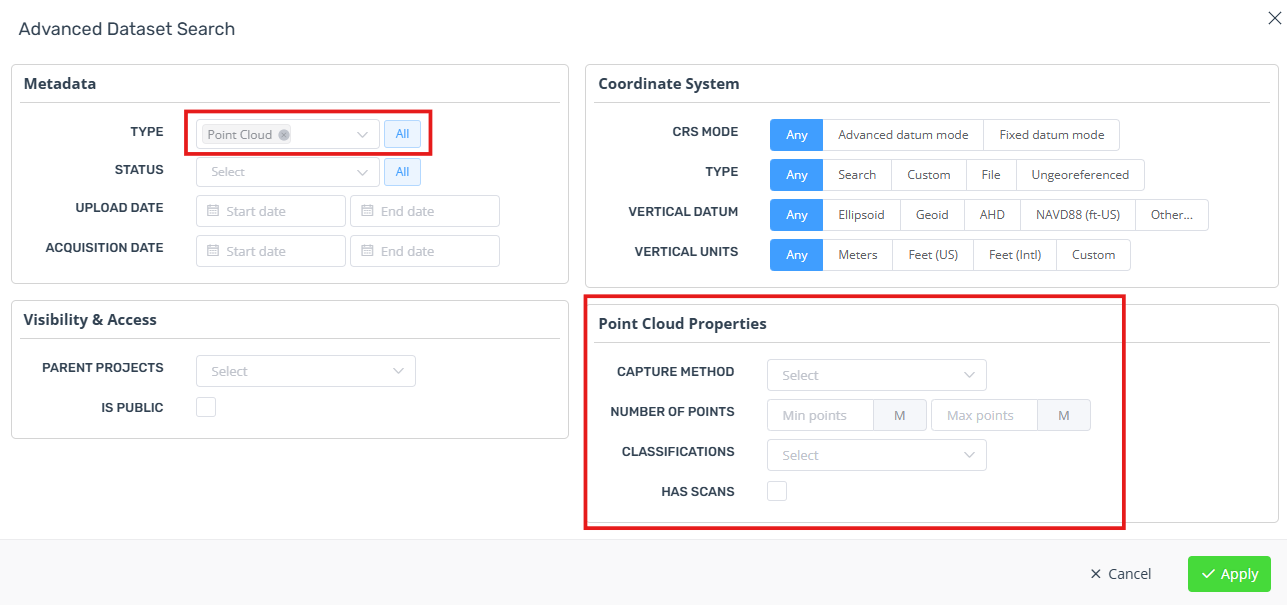
Some notable dataset-specific filters are listed below:
Point Cloud Properties
Capture method - Find point clouds created from photogrammetry or captured using airborne, mobile and terrestrial lidar scans etc.
Number of points - Filter point clouds that have a certain number of points within a range. You can leave either the min or max fields blank.
Classifications - Find point clouds that have original classifications in the source files, or have been classified using Pointerra analytics.
Has scans - Find point clouds that have structured scan data.
Other dataset types
Most processing options available during upload can be filtered here.
Some dataset types also allow filtering by uploaded file type.